'Unexpected error' when installing Quali Server
Error Message
In Quali Server configuration wizard:
Unexpected error.
Check the log file for more details:
Service 'Quali Server' status: 'Stopped', failed to set status: 'Running'
Windows Event Viewer>Application reports Erlang appcrash in "Crypto.dll":
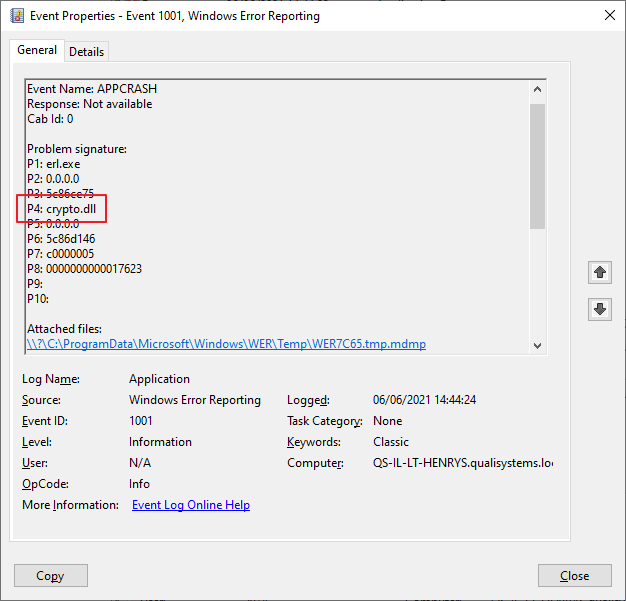
Description
When installing Quali Server, RabbitMQ service crashes after start or fails to start during the RabbitMQ configuration step.
Possible Causes
The Erlang version installed with Quali Server is incompatible with the machine's CPU.
Solution
To fix this issue, you need to install Erlang version 23.3 (or above) and reconfigure RabbitMQ to work with the new version.
To resolve this issue:
-
Download https://erlang.org/download/otp_win64_23.3.exe and install.
-
Add/update the following System Variable paths:
ERLANG_HOME (Default before change:
C:\Program Files\erl10.3– find matching path in new version)ERLANG_SERVICE_MANAGER_PATH (Default before change:
C:\Program Files\erl10.3\erts-10.3\bin– find matching path in new version) -
Restart the Quali Server service.
-
install Quali Server.